

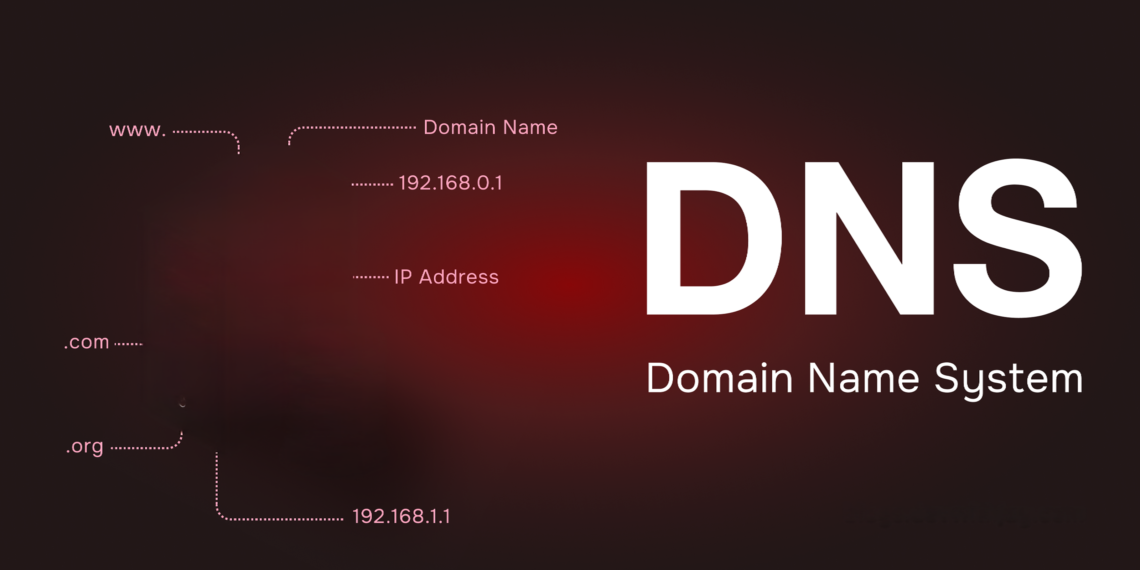
What is Domain Server (DNS)?
Last updated on February 24th, 2026 at 05:07 am
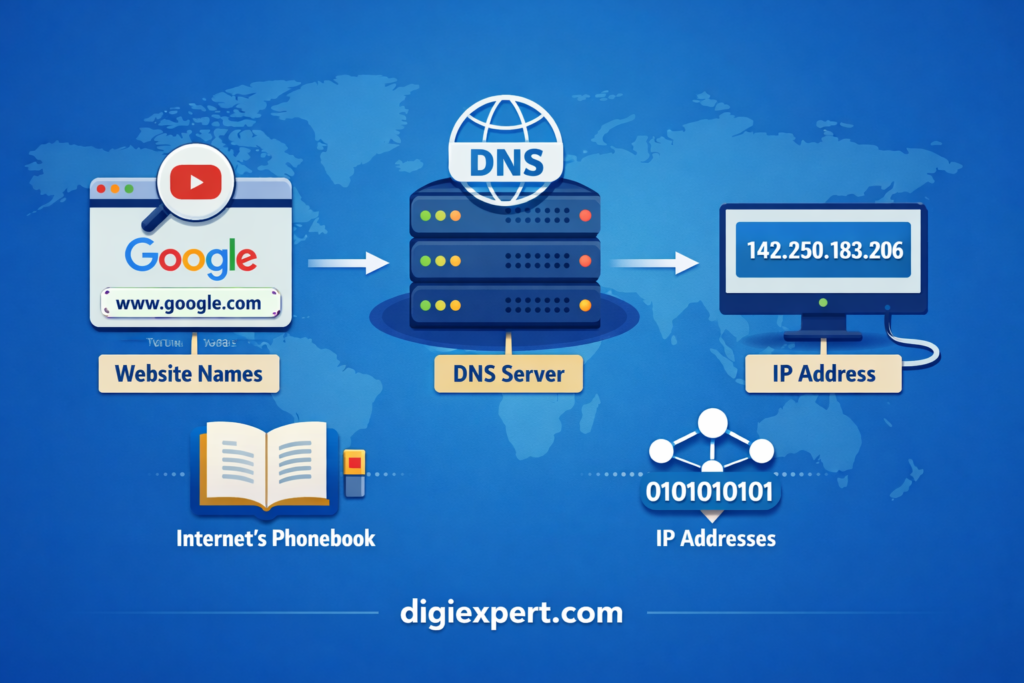
When you open a website like Google or YouTube, you type a name—not a complicated number. But behind the scenes, computers communicate using IP addresses like 142.250.183.206. The technology that converts website names into these numbers is called DNS (Domain Name System).
In simple terms, DNS acts like the internet’s phonebook. It connects human-friendly domain names to machine-friendly IP addresses.
Definition:
A Domain Name System (DNS) is a server system that translates human-readable domain names like google.com into numerical IP addresses that computers use to identify each other on the internet. It ensures users can access websites easily without remembering complex IP numbers.
Table of Contents
- What is DNS and Why It Matters
- How DNS Works Step-by-Step
- Types of DNS Servers Explained
- DNS Example for Beginners
- DNS vs Domain vs Hosting
- DNS Lookup Process Table
- Why DNS is Important for Websites
- Beginner Checklist for DNS
- How to Learn DNS and Digital Marketing
- FAQs
- FAQ Schema
How DNS Works Step-by-Step
DNS works in the background within milliseconds. Here is the simplified process:
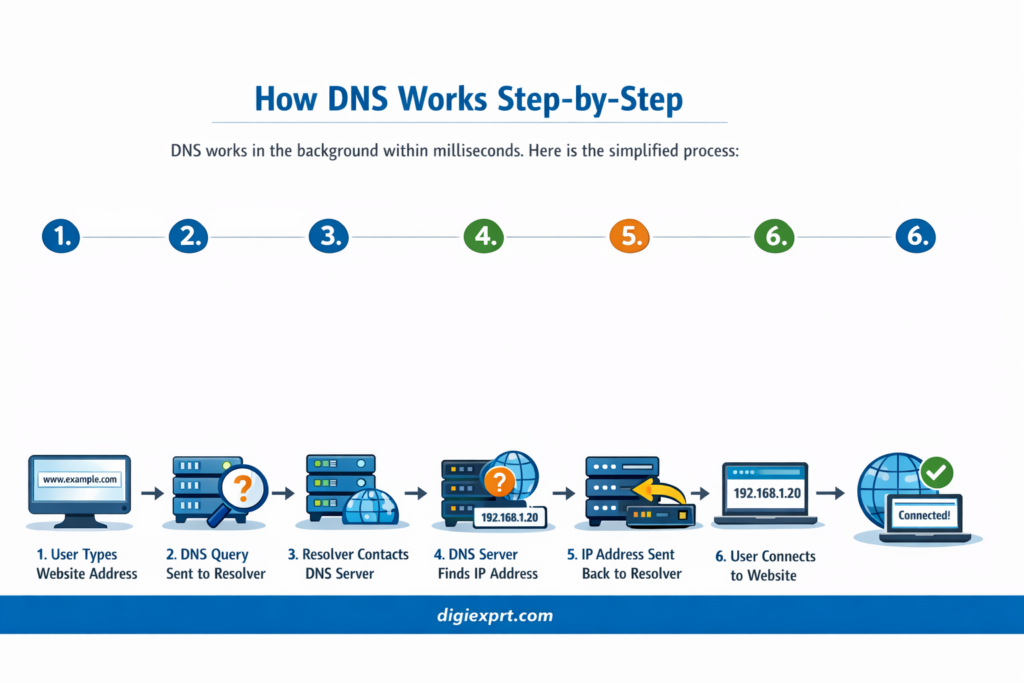
Step 1: User Enters Domain Name
You type www.example.com into your browser.
Step 2: Browser Checks Local Cache
Your computer checks if it already knows the IP address.
Step 3: Request Goes to DNS Resolver
If not found, the request goes to a DNS resolver server.
Step 4: Resolver Finds Correct IP
Resolver contacts other DNS servers to find the correct IP address.
Step 5: Website Loads
Once the IP is found, your browser connects to the website server and loads the page.
This entire process happens in less than a second.
Types of DNS Servers Explained
DNS is not just one server. It includes multiple types working together.
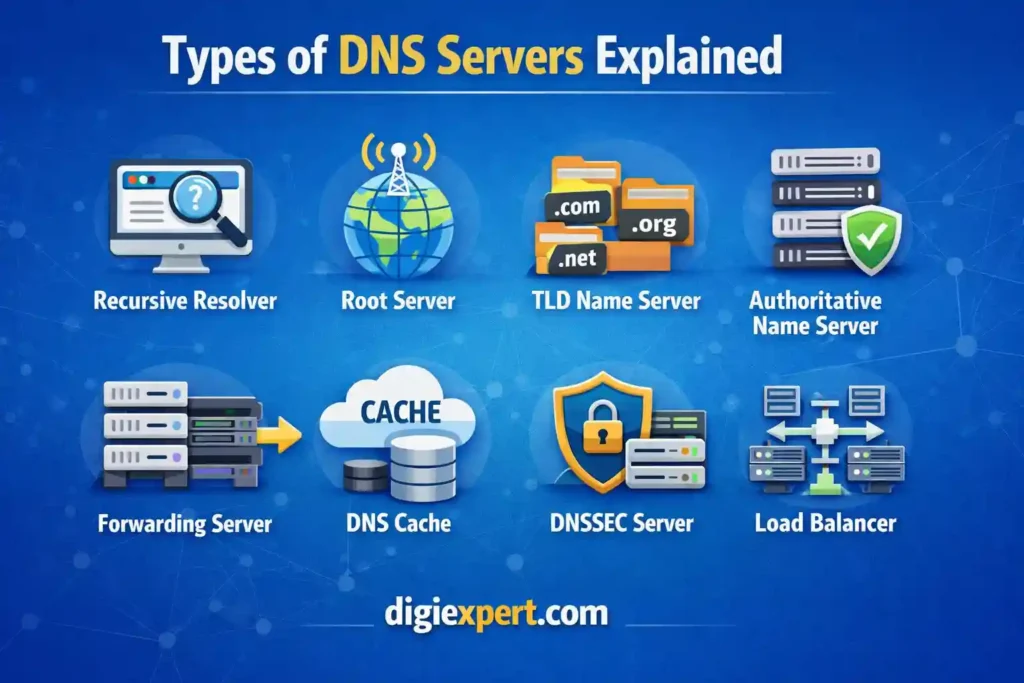
1. Recursive Resolver
- First stop for DNS query
- Finds the IP address on behalf of the user
2. Root Nameserver
- Directs query to the correct Top-Level Domain server
3. TLD Nameserver
- Handles domains like .com, .org, .net
4. Authoritative Nameserver
- Stores actual IP address of the domain
- Final source of DNS information
DNS Example for Beginners
Let’s understand with a real-life example:
You want to visit youtube.com.
Without DNS:
- You must remember 142.250.183.206
With DNS:
- You just type youtube.com
- DNS finds and connects automatically
DNS makes the internet user-friendly.
DNS vs Domain vs Hosting
Many beginners confuse DNS, domain, and hosting. Here’s a clear comparison:
| Component | Purpose | Example |
|---|---|---|
| Domain | Website name | google.com |
| DNS | Converts domain to IP | Connects google.com to IP |
| Hosting | Stores website files | Server storing Google website |
Think of it like:
- Domain = House name
- DNS = GPS direction
- Hosting = Actual house
DNS Lookup Process Table
Here is a simplified checklist of DNS lookup flow:
| Step | Server Involved | Purpose |
|---|---|---|
| 1 | Browser | Checks local cache |
| 2 | Resolver | Receives DNS query |
| 3 | Root Server | Points to TLD |
| 4 | TLD Server | Points to authoritative server |
| 5 | Authoritative Server | Provides IP address |
| 6 | Browser | Loads website |
Why DNS is Important for Websites
DNS is critical for website performance and accessibility.
Key Benefits:
- Makes internet easy to use
- Eliminates need to remember IP addresses
- Improves website speed
- Helps manage domain connections
- Enables email routing
- Supports website security
Without DNS, browsing the internet would be extremely difficult.
Beginner Checklist for DNS
If you’re starting with websites, follow this checklist:
✅ Understand DNS full form (Domain Name System)
✅ Learn difference between DNS, domain, hosting
✅ Know how DNS connects domains to servers
✅ Learn basic DNS record types (A, CNAME, MX)
✅ Practice DNS setup using domain providers
✅ Learn DNS lookup process
If you’re planning to build websites or work in SEO, understanding DNS is essential. Many professionals learn this through structured programs like a Digiexprt digital marketing course, where technical concepts like DNS, hosting, and website setup are explained practically.
For example, enrolling in a professional digital marketing course in dehradun helps beginners understand DNS along with SEO, website management, and online growth strategies.
You can explore this comprehensive digital marketing training here:
https://digiexprt.com/
Programs like the Digiexprt digital marketing course cover real-world website setup, including DNS configuration, which is crucial for SEO professionals and website owners.
Common DNS Record Types
Here are the most important DNS records:

A Record
Connects domain to IPv4 address
Example:
example.com → 192.168.1.1
CNAME Record
Connects domain to another domain
Example:
www.example.com → example.com
MX Record
Handles email servers
Example:
mail.example.com
TXT Record
Used for verification and security
How DNS Helps SEO
DNS plays a direct role in SEO performance.
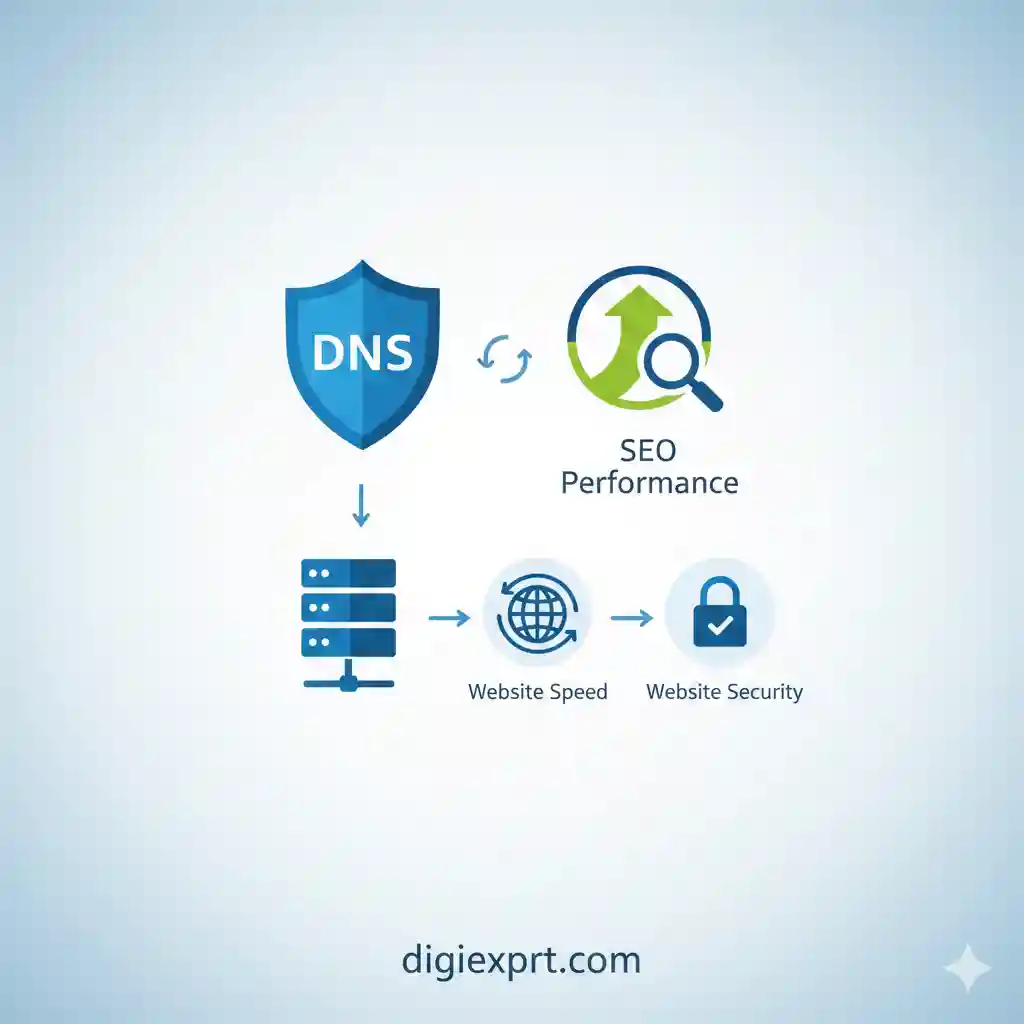
DNS impacts:
- Website speed
- Uptime reliability
- User experience
- Crawlability
- Website accessibility
Fast DNS improves loading speed, which improves SEO rankings indirectly.
FAQs
1. What is DNS in simple words?
DNS is a system that converts website names into IP addresses so browsers can load websites.
2. What is DNS full form?
DNS stands for Domain Name System.
3. Why is DNS important?
DNS makes internet browsing easy and connects domain names to servers.
4. What is an example of DNS?
When you type google.com, DNS converts it to an IP address like 142.250.183.206.
5. Is DNS and domain same?
No. Domain is website name, DNS connects domain to server IP.
6. Can a website work without DNS?
No. Without DNS, browsers cannot find the correct server.
7. What is DNS server example?
Google DNS (8.8.8.8) is a popular DNS server.
8. Is DNS important for SEO?
Yes. Fast DNS improves website speed and user experience, helping SEO.