

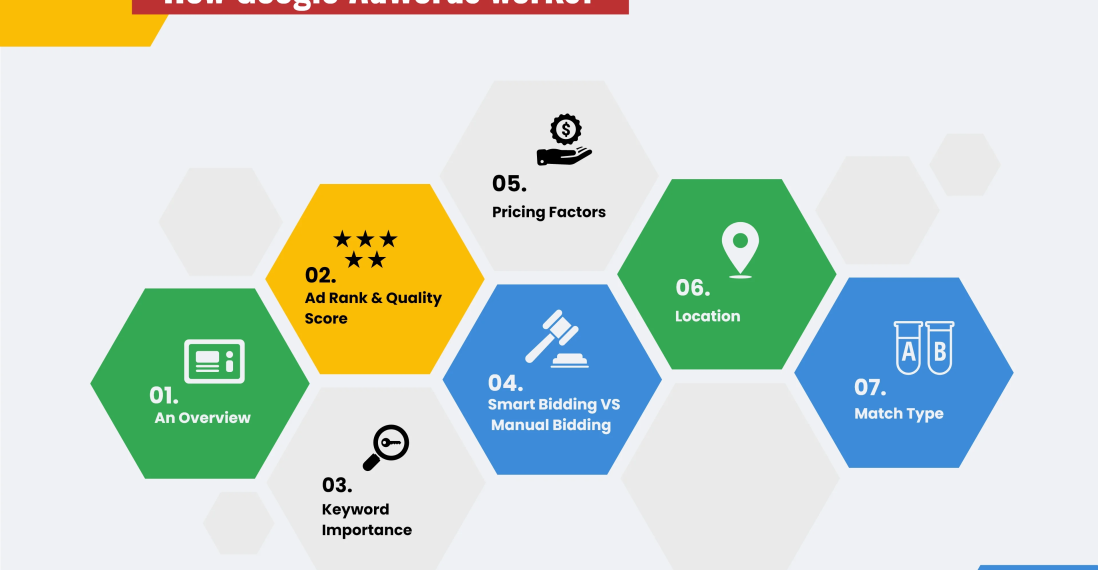
What Are Google Ads & How Do They Work?
Last updated on January 16th, 2026 at 08:58 pm
Google Ads is one of the fastest ways to reach people who are actively searching for your product or service. Whether you run a local business or an online store, understanding how Google Ads works can help you bring targeted traffic, leads, and sales—without waiting months for organic rankings.
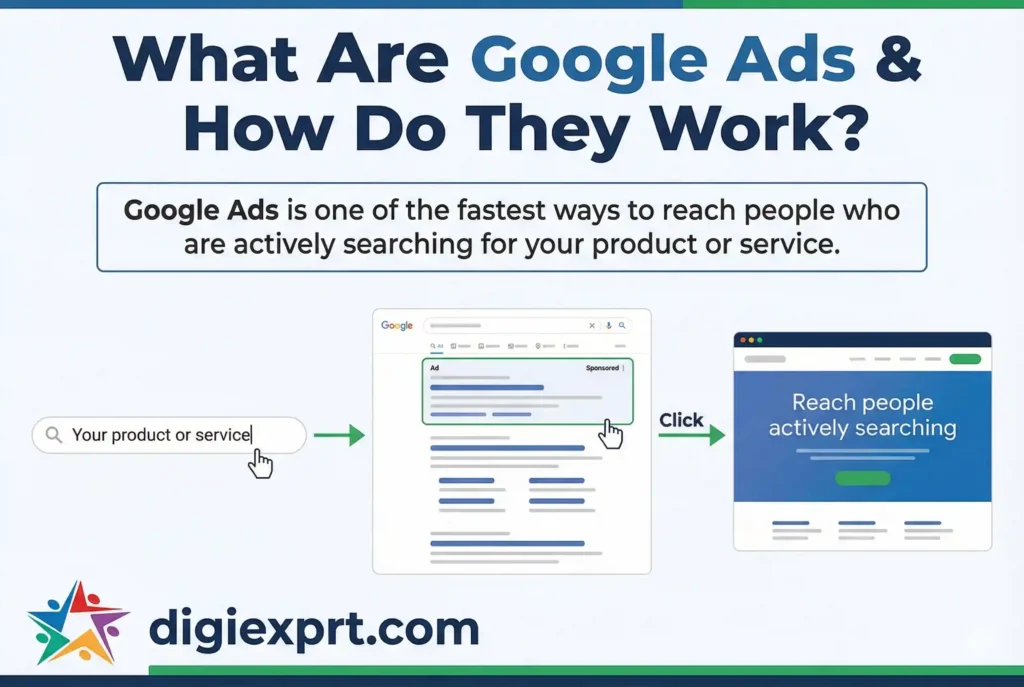
(Definition)
Google Ads is an online advertising platform where businesses bid to show ads on Google’s search results, websites, YouTube, and apps. Advertisers pay mainly when users click their ads (PPC), making it a performance-driven way to reach high-intent customers.
Table of Contents (TOC)
- What Is Google Ads?
- How Google Ads Work Step by Step
- Google Ads Auction: Bidding + Quality Score
- Types of Google Ads Campaigns
- Google Ads Cost: How Much Do You Pay?
- Beginner-Friendly Google Ads Checklist
- Common Mistakes to Avoid
- FAQs
- FAQ Schema (HTML)
What Is Google Ads?
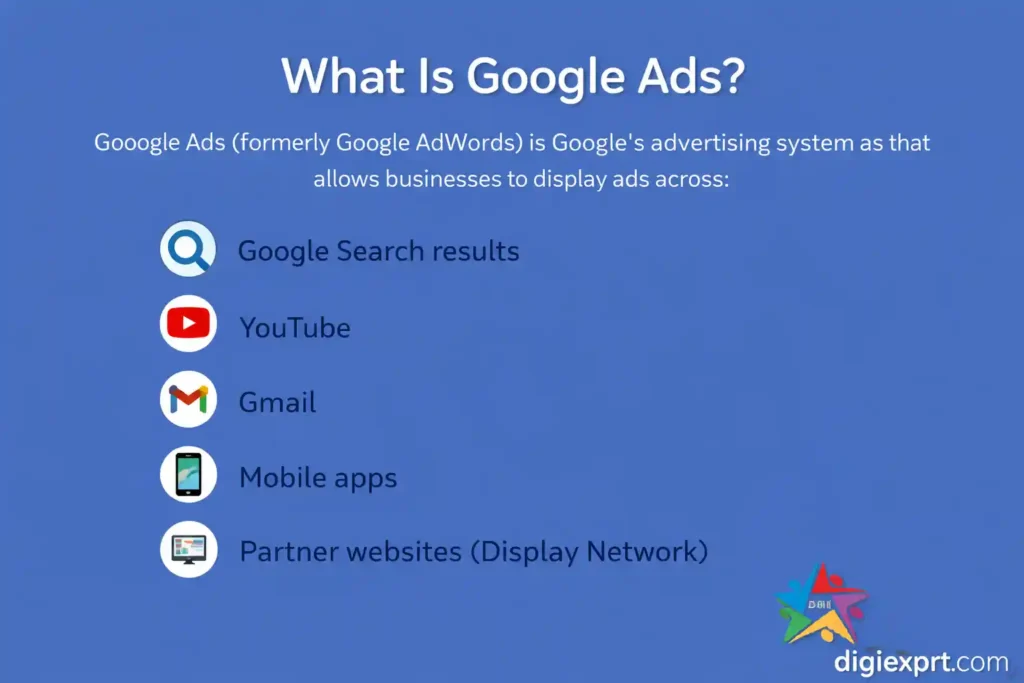
Google Ads (formerly Google AdWords) is Google’s advertising system that allows businesses to display ads across:
- Google Search results
- YouTube
- Gmail
- Mobile apps
- Partner websites (Display Network)
The biggest advantage? You can show ads exactly when someone is searching for what you offer—like “best daycare near me” or “digital marketing classes in Dehradun.”
Instead of paying for visibility, you usually pay only when someone clicks your ad, which is why it’s called PPC (Pay-Per-Click) advertising.
How Google Ads Work Step by Step
Let’s break the full process into simple steps:
Step 1: Choose Your Advertising Goal
Before creating ads, you decide what you want:
- Website visits
- Phone calls
- Store visits
- Online purchases
- Lead form submissions
Google uses this goal to suggest the right campaign type and settings.
Step 2: Select Campaign Type
You choose where your ads will appear:
- Search (Google search results)
- Display (websites & apps)
- Video (YouTube)
- Shopping (product listings)
- Performance Max (all networks together)
Each campaign type serves a different marketing purpose.
Step 3: Choose Keywords (for Search Ads)
Keywords are the words people type into Google.
Example:
If you teach marketing, you may target:
- “digital marketing training”
- “online marketing course near me”
Your ad appears when someone searches using similar terms.
Step 4: Set Budget and Bidding
You decide:
- Daily budget (₹500/day, ₹1000/day, etc.)
- Maximum amount you’re willing to pay per click
Google then competes for ad placement using your bid + quality score (explained below).
Step 5: Create the Ad
A typical search ad includes:
- Headline
- Description
- Website link
- Call button (optional)
Your message must match the search intent and clearly show benefits.
Step 6: Users See and Click the Ad
When someone searches:
- Google runs an auction
- Best ads appear at top
- If user clicks → you pay
- If no click → no charge
That’s why Google Ads is performance-focused.
Google Ads Auction: Bidding + Quality Score
Many people think higher bid = top position. That’s not fully true.
Google ranks ads using Ad Rank, which depends on:
| Factor | What It Means |
|---|---|
| Bid Amount | How much you’re willing to pay |
| Quality Score | Relevance of keyword, ad, and landing page |
| Expected CTR | Likelihood people will click |
| Ad Relevance | How closely ad matches search |
| Landing Page Experience | Page speed, content, usability |
Why Quality Score Matters
High Quality Score =
- Lower cost per click
- Better ad position
- More traffic for same budget
So smart optimization can beat high budgets.
Types of Google Ads Campaigns
Here’s a quick comparison to help beginners choose:
| Campaign Type | Best For |
|---|---|
| Search Ads | High-intent leads & sales |
| Display Ads | Brand awareness & remarketing |
| Video Ads | Brand building & storytelling |
| Shopping Ads | E-commerce product sales |
| Performance Max | Full-funnel automation |
Most beginners start with Search Ads because they target ready-to-buy users.
How Much Do You Pay?
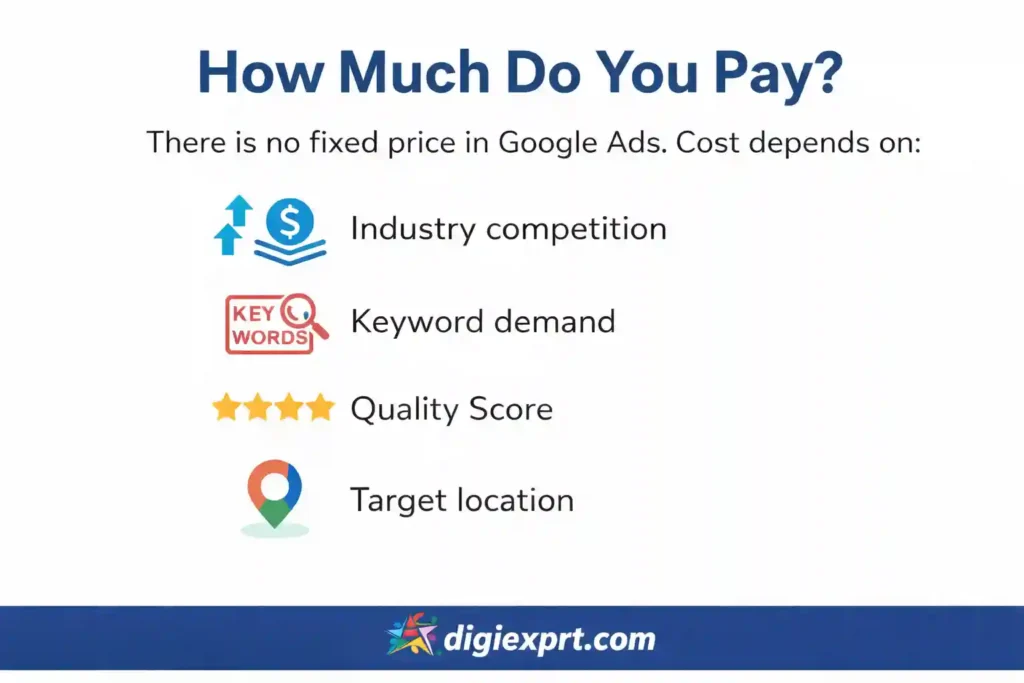
There is no fixed price in Google Ads. Cost depends on:
- Industry competition
- Keyword demand
- Quality Score
- Target location
Some clicks may cost ₹5–₹20, while competitive industries may cost ₹200+ per click.
How to Control Spending
- Set daily budget limits
- Pause low-performing keywords
- Focus on high-intent searches
- Improve landing pages
With proper setup, even small businesses can run profitable campaigns.
Why Learning Google Ads Properly Matters
Running ads without strategy can waste money quickly. That’s why structured learning is important.
If you want hands-on guidance, many students prefer joining a digital marketing course in dehradun that includes real Google Ads practice, live campaigns, and conversion tracking training.
Professional digital marketing training helps you understand:
- Keyword research tools
- Conversion tracking setup
- Ad copywriting
- Budget optimization
- Scaling profitable campaigns
Programs like Digiexprt digital marketing course also teach how Google Ads fits into complete digital marketing strategy with SEO, social media, and analytics—so you don’t run ads in isolation.
Beginner-Friendly Google Ads Checklist
Before launching your first campaign, confirm this list:
Account Setup
- Google Ads account created
- Billing details added
- Conversion goals defined
Keyword Research
- High-intent keywords selected
- Irrelevant keywords excluded
- Match types properly chosen
Ad Creation
- Clear headlines with benefits
- Call-to-action included
- Ad extensions added (call, sitelinks)
Landing Page
- Fast loading speed
- Mobile-friendly design
- Clear form or call button
Tracking
- Conversion tracking installed
- Google Analytics connected
- Test conversions working
Following this checklist reduces beginner mistakes significantly.
Common Mistakes to Avoid
Many advertisers lose money because of these errors:
- Targeting too broad keywords
- Sending traffic to irrelevant pages
- Not using negative keywords
- Ignoring mobile optimization
- Not checking reports regularly
Google Ads is not “set and forget.” Weekly optimization is essential.
FAQs
1. Is Google Ads good for small businesses?
Yes. With budget control, local targeting, and high-intent keywords, small businesses can generate leads profitably using even modest daily budgets.
2. How long does it take to see results?
You can get traffic the same day your ads go live. Optimization usually improves results within 1–3 weeks of data collection.
3. Is Google Ads better than SEO?
They serve different purposes. Google Ads gives instant traffic, while SEO builds long-term visibility. Many businesses use both together.
4. Can I run Google Ads myself?
Yes, but beginners often waste budget due to setup mistakes. Learning proper strategy or getting professional training helps avoid losses.
5. What is Quality Score in Google Ads?
It’s Google’s rating of keyword relevance, ad quality, and landing page experience. Higher scores reduce your cost per click.
6. Do Google Ads work for local services?
Very well. Location targeting and call ads are especially effective for clinics, daycares, coaching centers, and service providers.
7. How do I track sales or leads?
By setting up conversion tracking using Google Tag or Google Analytics. This tells you which ads actually bring business.