

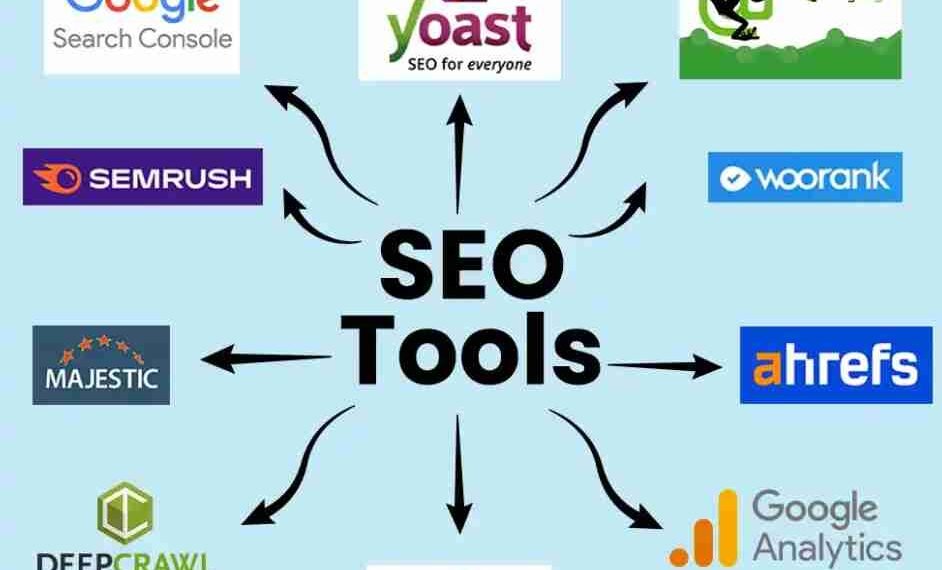
SEO Tools
Last updated on March 1st, 2026 at 11:38 pm
Search engine optimization today is data-driven. Guesswork no longer works. Whether you are a beginner, blogger, business owner, or marketer, SEO tools help you understand how search engines see your website and what you need to improve to rank sustainably.
This guide explains SEO tools in simple language, their types, how to use them, and how to choose the right ones—without hype or unrealistic promises.
What Are SEO Tools?
SEO tools are software or platforms that help analyze, optimize, and monitor websites for better visibility in search engines. They assist with keyword research, technical audits, content optimization, backlink analysis, and performance tracking, allowing marketers to make data-backed SEO decisions.
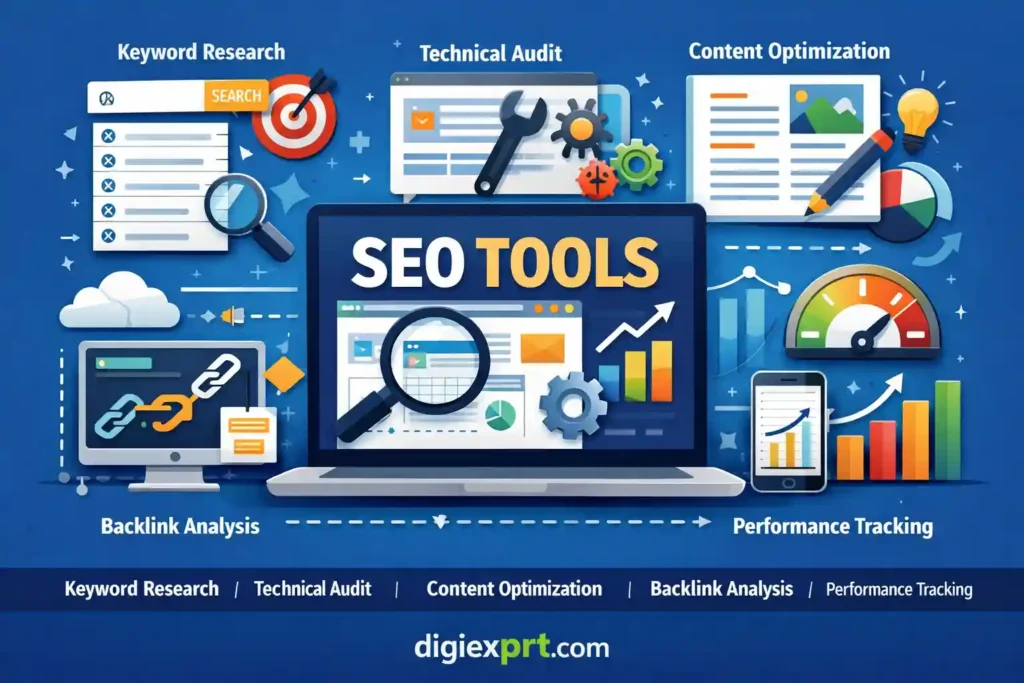
Table of Contents
- Why SEO Tools Matter Today
- Types of SEO Tools (With Use Cases)
- Popular SEO Tools by Category
- How to Use SEO Tools Step-by-Step
- Free vs Paid SEO Tools (Comparison Table)
- Beginner-Friendly SEO Tools Checklist
- Common SEO Tool Mistakes to Avoid
- Learning SEO Tools the Right Way
- FAQs
Why SEO Tools Matter Today
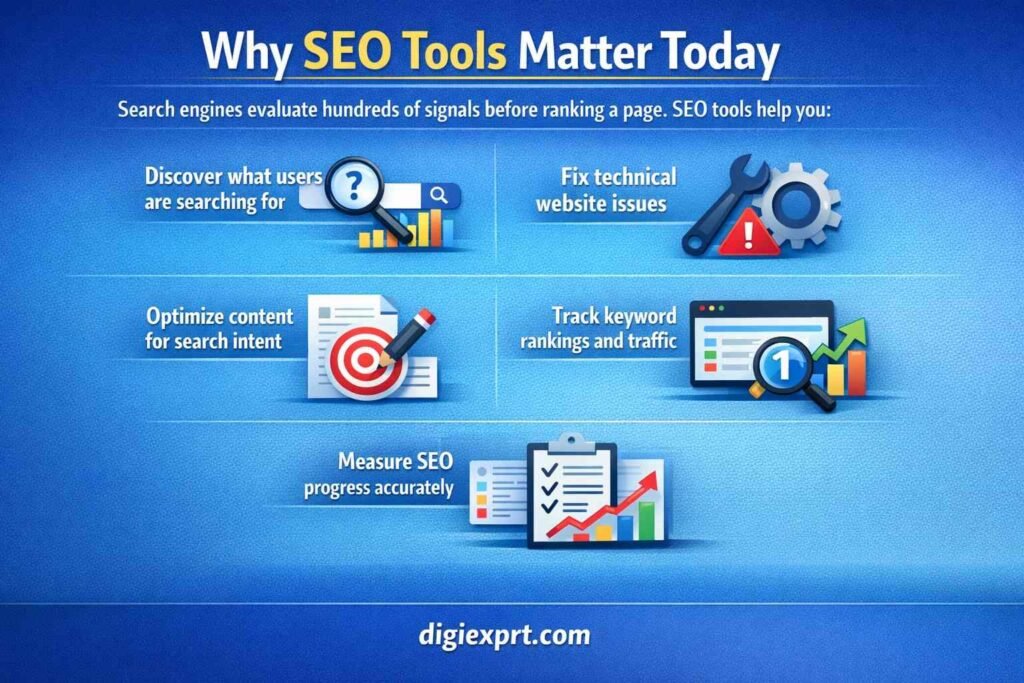
Search engines evaluate hundreds of signals before ranking a page. SEO tools help you:
- Discover what users are searching for
- Fix technical website issues
- Optimize content for search intent
- Track keyword rankings and traffic
- Measure SEO progress accurately
Without tools, SEO becomes guesswork. With tools, it becomes a structured, measurable process.
Types of SEO Tools (With Use Cases)
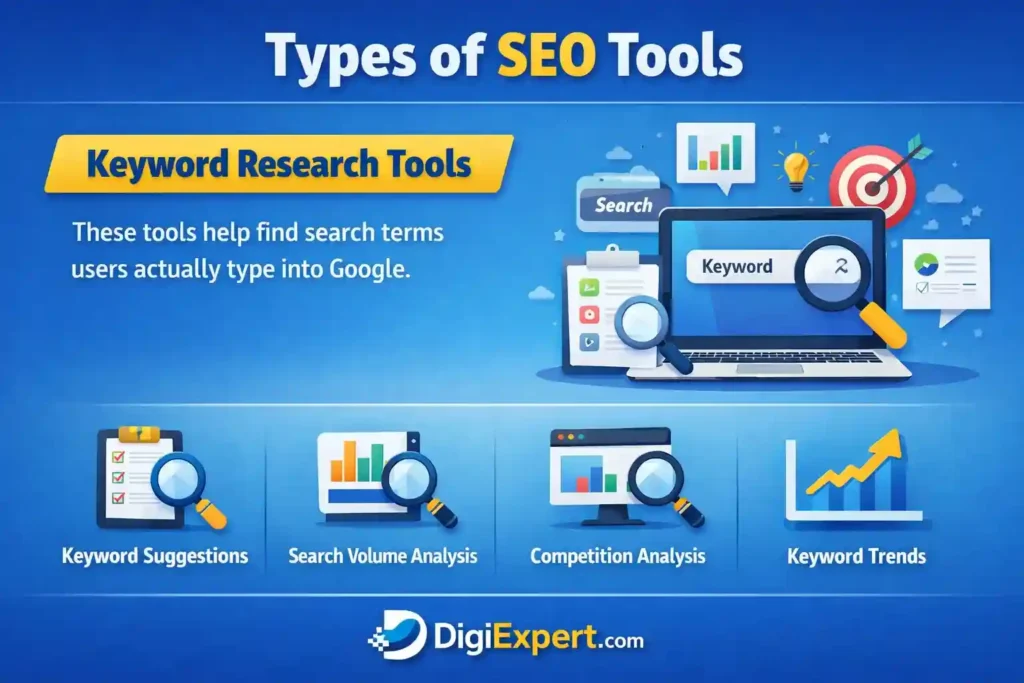
Keyword Research Tools
These tools help find search terms users actually type into Google.
Use them to:
- Identify high-intent keywords
- Analyze keyword difficulty
- Find long-tail keyword opportunities
Examples include keyword planners and keyword discovery platforms.
On-Page SEO Tools
On-page tools analyze individual pages and content quality.
They help with:
- Title and meta optimization
- Content readability
- Keyword placement
- Internal linking suggestions
Technical SEO Tools
Technical SEO tools focus on website health.
They detect:
- Crawl errors
- Page speed issues
- Mobile usability problems
- Broken links
- Indexing problems
These tools are essential for larger websites and eCommerce stores.
Off-Page & Backlink Tools
Backlink tools analyze who is linking to your website and competitors.
They help with:
- Backlink quality analysis
- Competitor backlink research
- Link-building opportunities
SEO Analytics & Reporting Tools
These tools track performance and progress over time.
Metrics include:
- Organic traffic
- Keyword rankings
- Click-through rate (CTR)
- Conversion data
Popular SEO Tools by Category
Here is a categorized overview instead of brand promotion:
- Keyword research: Search demand analysis tools
- Technical SEO: Website crawlers and audit platforms
- Content optimization: On-page content scoring tools
- Backlinks: Link analysis and monitoring tools
- Analytics: Traffic and performance tracking tools
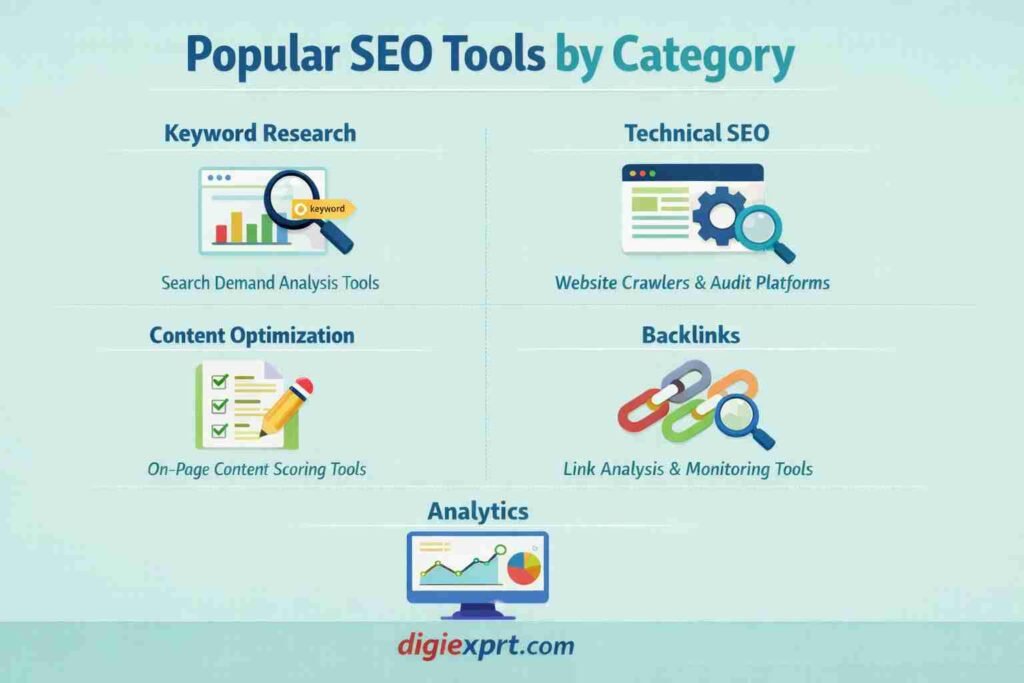
Each category serves a different SEO purpose. No single tool does everything perfectly.
How to Use SEO Tools Step-by-Step
Step 1: Start With Keyword Research
Identify keywords related to your product, service, or content topic. Focus on search intent, not just volume.
Step 2: Audit Your Website
Run a technical SEO audit to identify errors affecting crawling and indexing.
Step 3: Optimize Content
Use on-page SEO tools to improve headings, structure, and relevance.
Step 4: Track Performance
Monitor keyword rankings and organic traffic regularly.
Step 5: Improve Continuously
SEO tools work best when used consistently, not one time.
Free vs Paid SEO Tools (Comparison Table)
| Feature | Free SEO Tools | Paid SEO Tools |
|---|---|---|
| Keyword limits | Limited | Extensive |
| Data depth | Basic | Advanced |
| Competitor analysis | Minimal | Detailed |
| Reporting | Simple | Customizable |
| Best for | Beginners | Professionals & agencies |
Free tools are great for learning, while paid tools support scalability and deeper insights.
Beginner-Friendly SEO Tools Checklist
If you are just starting, focus on this checklist:
- Use one keyword research tool consistently
- Track basic rankings weekly
- Run a technical audit once a month
- Optimize one page at a time
- Avoid using too many tools at once
Master fundamentals before moving to advanced features.
Common SEO Tool Mistakes to Avoid
- Relying only on tool scores instead of user intent
- Chasing high-volume keywords without relevance
- Ignoring technical issues for months
- Using too many tools simultaneously
- Expecting instant ranking improvements
Tools support SEO strategy; they do not replace it.
Learning SEO Tools the Right Way
Many beginners struggle not because tools are complex, but because guidance is missing. Structured learning helps connect tools with real SEO decisions.
If you want hands-on practice with real websites, structured learning through a professional digital marketing training program can shorten the learning curve.
For learners looking for a digital marketing course in dehradun, Digiexprt offers practical exposure to SEO tools, keyword research, audits, and reporting through live projects. You can explore the Digiexprt digital marketing course to understand how SEO tools are used in real campaigns.
FAQs
Are SEO tools necessary for beginners?
Yes. Even beginners need basic SEO tools to understand keywords, website issues, and performance trends.
Can I do SEO using only free tools?
Yes, for learning and small websites. However, advanced SEO usually requires paid tools for deeper insights.
How many SEO tools should I use?
Start with 2–3 tools covering keywords, audits, and analytics. Avoid tool overload.
Do SEO tools guarantee rankings?
No. Tools provide data and insights, but rankings depend on strategy, content quality, and competition.
How often should SEO tools be used?
Keyword tracking weekly, audits monthly, and performance reviews ongoing.
Are SEO tools suitable for non-technical users?
Yes. Many modern SEO tools are beginner-friendly with simple dashboards and recommendations.
Is learning SEO tools enough to become an SEO expert?
Tools are essential, but strategy, experience, and understanding search intent are equally important.