


How We Can Protect Your Website?
Last updated on January 20th, 2026 at 11:26 pm
In today’s digital world, your website is your business identity, marketing engine, and customer touchpoint. A single security breach can damage trust, steal data, affect SEO rankings, and even shut down operations. That’s why understanding how we can protect your website is not optional anymore — it’s essential.
Whether you run a blog, e-commerce store, or company website, cyber threats like malware, phishing, brute-force attacks, and data theft are increasing every year. The good news? With the right strategy, tools, and habits, you can dramatically reduce your risk.
🔍 Definition
Website protection means securing a site from hacking, malware, data theft, and downtime using tools like SSL certificates, firewalls, regular backups, strong passwords, software updates, and continuous monitoring to maintain safety, performance, and user trust.
📑 Table of Contents
- Why Website Security Matters
- Website Security Best Practices
- Protect Website From Hackers
- SSL Certificate Security Explained
- Website Firewall Protection
- Malware Protection for Websites
- Regular Website Backups Strategy
- Security Checklist for Beginners
- Comparison Table: Security Tools
- Common Mistakes to Avoid
- FAQs
- FAQ Schema HTML
Why Website Security Matters
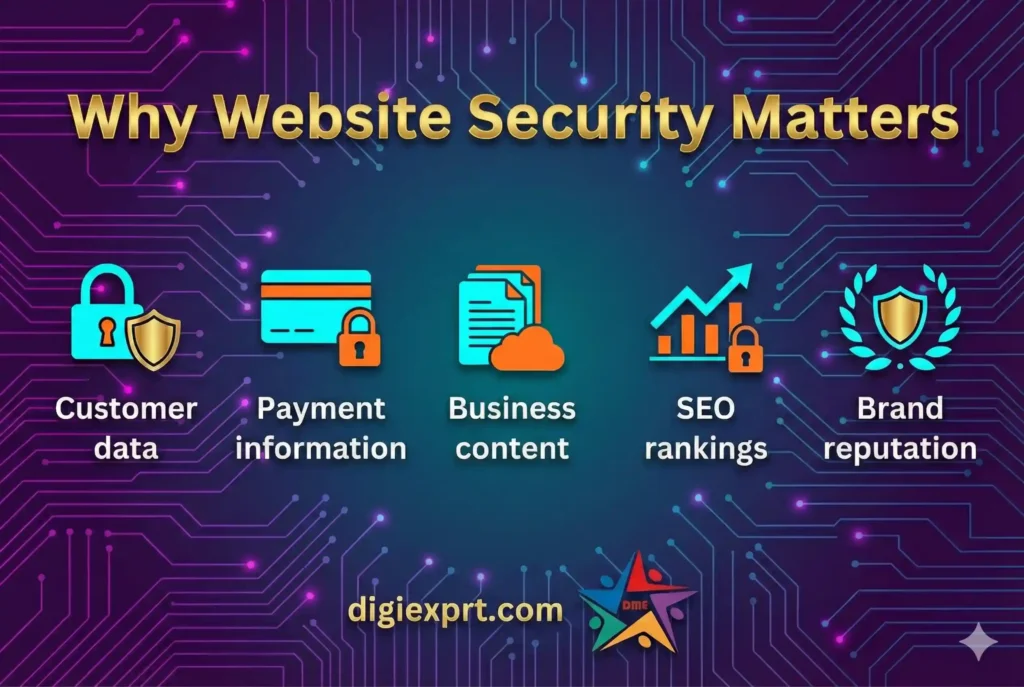
Your website stores valuable assets:
- Customer data
- Payment information
- Business content
- SEO rankings
- Brand reputation
A hacked website can:
- Lose Google rankings
- Show spam or malicious ads
- Leak sensitive information
- Get blacklisted by browsers
- Lose customer trust
Investing in protection is cheaper than recovering from damage.
Website Security Best Practices
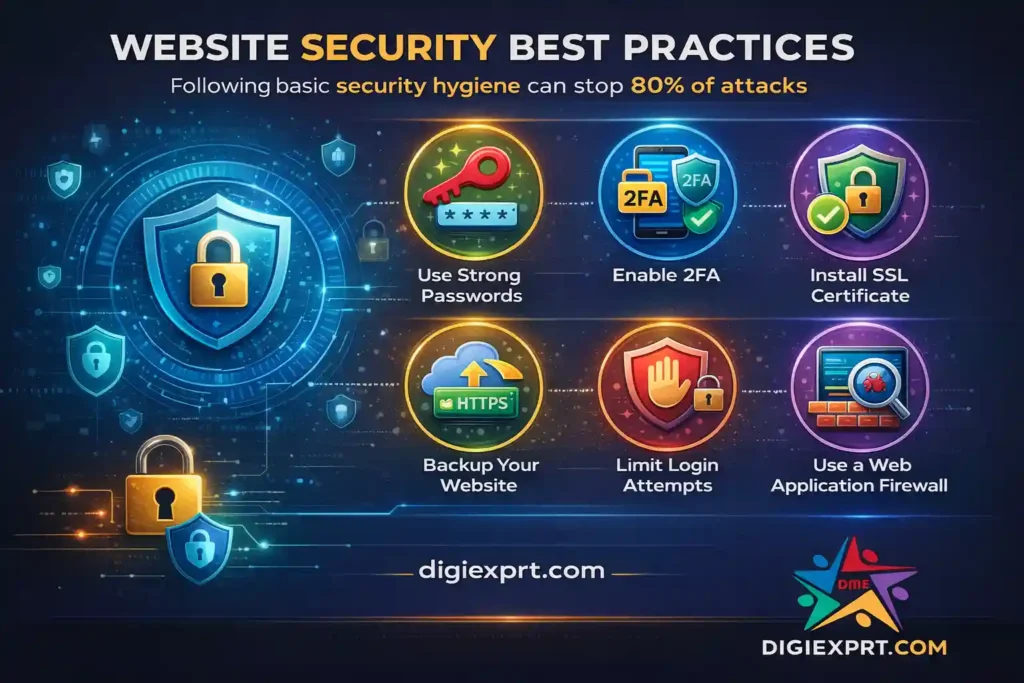
Following basic security hygiene can stop 80% of attacks.
Keep Software Updated
Outdated plugins, themes, and CMS versions are the biggest vulnerabilities. Always update:
- WordPress core
- Plugins
- Themes
- Server software
Use Strong Passwords & Authentication
- Use 12+ character passwords
- Avoid common words
- Enable Two-Factor Authentication (2FA)
- Limit login attempts
Secure Hosting Environment
Choose hosting providers with:
- Firewall protection
- Malware scanning
- DDoS protection
- Daily backups
Protect Website From Hackers
Hackers exploit weak security layers. Here’s how to block them:
Change Default Login URLs
Avoid common admin URLs that bots attack.
Disable Unused Plugins
Every unused plugin increases risk.
Monitor Suspicious Activity
Install security monitoring tools that alert you when:
- Files change unexpectedly
- Failed login attempts spike
- Malware is detected
Learning how to manage security properly is part of professional digital skills. Many business owners strengthen their knowledge through structured learning such as a digital marketing course in dehradun, where website management and safety basics are also covered practically.
SSL Certificate Security Explained
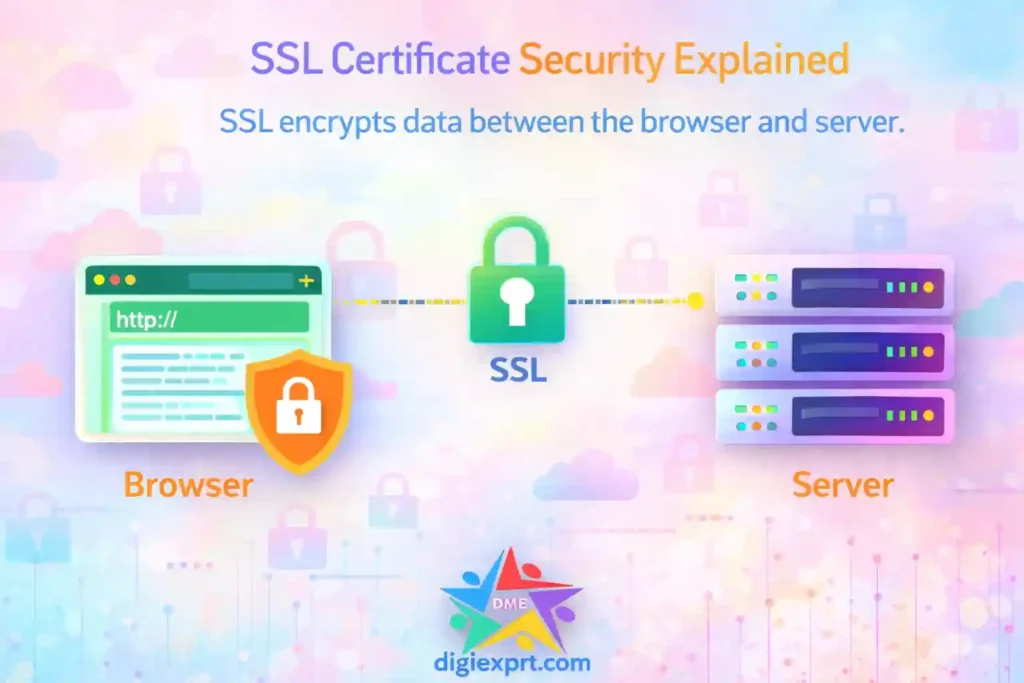
SSL encrypts data between the browser and server.
Benefits:
- Protects sensitive data
- Builds visitor trust
- Improves SEO ranking
- Prevents data interception
How to Check SSL:
- Website should start with https://
- Browser shows a lock icon
Never run a business website without SSL.
Website Firewall Protection
A firewall filters harmful traffic before it reaches your server.
Types of Firewalls
- Web Application Firewall (WAF)
- Cloud-based Firewall
- Server-level Firewall
Key Benefits
- Blocks malicious bots
- Prevents SQL injections
- Stops brute force attacks
- Reduces server load
Malware Protection for Websites
Malware can inject spam, redirect visitors, or steal data.
How to Prevent Malware
- Install trusted security plugins
- Schedule regular malware scans
- Remove unused themes/plugins
- Monitor file changes
If Malware Is Found
- Isolate the website
- Remove infected files
- Restore from backup
- Update all software
- Change all passwords
Professionals trained in digital marketing training often learn website hygiene, hosting management, and security monitoring to keep business websites healthy long-term.
Regular Website Backups Strategy
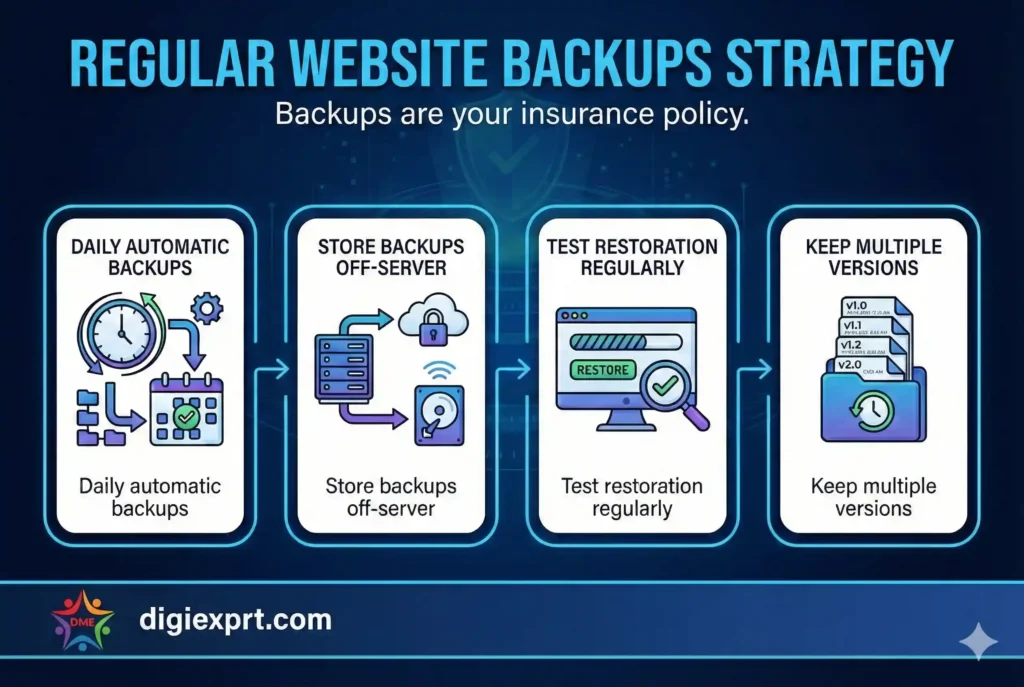
Backups are your insurance policy.
Backup Best Practices
- Daily automatic backups
- Store backups off-server
- Test restoration regularly
- Keep multiple versions
Backup Types
- Full website backup
- Database-only backup
- Incremental backups
If your site crashes or gets hacked, you can restore within minutes.
Friendly Website Security Checklist
Use this simple checklist to stay protected:
- ✔ Install SSL certificate
- ✔ Use strong passwords
- ✔ Enable two-factor authentication
- ✔ Update CMS and plugins weekly
- ✔ Install firewall plugin
- ✔ Run malware scan monthly
- ✔ Backup website daily
- ✔ Limit admin users
- ✔ Monitor uptime and logs
- ✔ Remove unused plugins/themes
📊 Comparison Table: Common Website Security Tools
| Feature | Firewall | Antivirus Plugin | Backup Tool |
|---|---|---|---|
| Blocks hackers | ✅ Yes | ❌ No | ❌ No |
| Detects malware | ⚠️ Partial | ✅ Yes | ❌ No |
| Restores site | ❌ No | ❌ No | ✅ Yes |
| Prevents brute force | ✅ Yes | ⚠️ Partial | ❌ No |
| Data recovery | ❌ No | ❌ No | ✅ Yes |
| Essential for beginners | ✅ Yes | ✅ Yes | ✅ Yes |
🚫 Common Website Security Mistakes
- Using weak passwords
- Ignoring software updates
- No backup system
- Installing cracked plugins
- No firewall protection
- Sharing admin access freely
- Skipping security scans
Avoiding these mistakes already puts you ahead of most website owners.
📈 Why Learning Website Security Matters for Business Growth
A secure website:
- Builds customer trust
- Improves Google rankings
- Reduces downtime
- Protects revenue
- Enhances brand image
If you’re serious about online growth, learning digital skills beyond just posting content is important. Programs like the Digiexprt digital marketing course help business owners and students understand website optimization, analytics, performance, and protection together in a practical way.
FAQs
1. How often should I update my website software?
You should check for updates weekly and install them immediately to prevent security vulnerabilities.
2. Is SSL mandatory for all websites?
Yes. SSL protects user data and improves trust and SEO performance.
3. Can free security plugins protect my website?
Free plugins provide basic protection, but premium tools offer advanced firewall and malware detection.
4. How often should I backup my website?
Daily backups are recommended for active websites.
5. What is the biggest cause of website hacking?
Outdated software and weak passwords are the most common causes.
6. Can small businesses be targeted by hackers?
Yes. Small sites are often easier targets due to weaker security.
7. Does website security affect SEO?
Yes. Hacked websites can be blacklisted and lose rankings.